Your Documentary Starts Here: A Simple Guide to Online Tools
So, you have an idea for a documentary. It is a story you are burning to tell. But maybe you are not a big budget studio. Maybe you are a filmmaker, a non-profit, or just someone with a powerful story and a laptop.
The good news is, you can start your documentary filmmaking project right now with tools you can access online. The barrier to entry is lower than ever. Let us break down how to take that idea and turn it into a project, phase by phase.
Phase One: The Blueprint (Pre-Production)
This is where your film is built, long before you shoot a single frame.
- Research and Organize: Your idea needs depth. Use Google Alerts to get automatic updates on your topic. Use Google Scholar to find academic papers or credible sources. Now, you need a central place for all your notes, interviews, and ideas. A tool like Airtable or Notion is fantastic for this. It is like a digital binder where you can organize research, plan your shot list, and even track your budget all in one place.
- Write and Plan: Do not overcomplicate this. Google Docs is your best friend for writing treatments and interview questions. Its real strength is collaboration. You can share the document with a teammate or a trusted advisor and get their feedback live, in the document. No emailing versions back and forth.
Phase Two: Getting the Shots (Production)
This is about capturing your story.
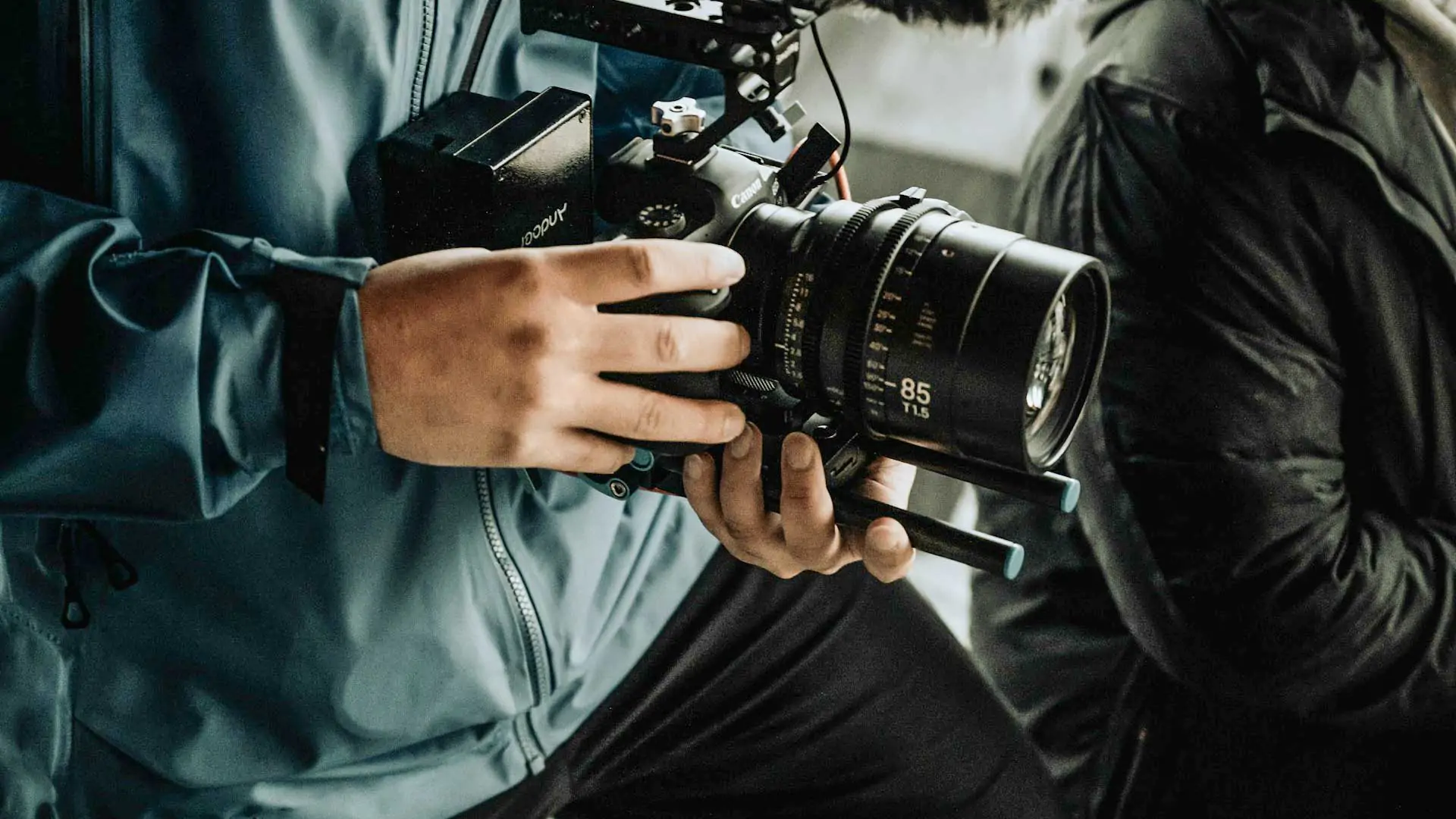
- Use What You Have: Your smartphone camera is more powerful than you think. Focus on getting stable shots (a small tripod helps immensely) and, most importantly, clear audio. Bad sound can ruin a great visual.
- Gather Feedback Remotely: If you are working with a team or a client, you can share clips as you shoot them. Using a platform like Frame.io or even a private Vimeo link allows others to give you time stamped feedback on specific shots. This keeps everyone on the same page, even from a distance.
Phase Three: Weaving the Story (Post-Production)
This is where the magic happens and your documentary comes together.
- Edit and Color Grade: You do not need to spend thousands on software. DaVinci Resolve is a professional level editing and color grading software that has a incredibly robust free version. It is what many professionals use. The learning curve is worth it.
- Find Music and Sound: You need music you have the rights to use. Online libraries like Artlist or Pond5 are full of high quality, royalty free music and sound effects. Also, consider using an AI transcription tool to transcribe your interviews. This lets you quickly find the best quotes without scrubbing through hours of audio.
Remember, the tool does not make the film. You do. These online resources simply clear the path, letting you focus on what matters most: telling a story that resonates.
The most important step is to begin.
By
Gokan Akyaz
Creative Director